-
 play_arrow
Groove 106 Radio Groove 106 Radio

How to Listen to Groove 106: Free 70s, 80s, 90s & 2000s Radio Online and on Your Phone
Groove 106 is a Southern California internet radio station playing the best of the 70s, 80s, 90s and early 2000s: old school, freestyle, R&B, hip-hop, funk and dance classics, plus live mixes from our DJs. Our motto says it all: Taking You Back.
Whether you’re at work, in the car or hosting a backyard party, here’s how to tune in.
1. Listen Online at Groove106.com
The easiest way to listen is right here. Head to groove106.com and press play. The player keeps going while you browse, so you can read the blog, check out our DJs or watch videos without missing a beat.
2. Download the Free Groove 106 App
Take Groove 106 everywhere with our free mobile app:


- iPhone and iPad: Download Groove 106 on the App Store
- Android: Get Groove 106 on Google Play
The app is perfect for the commute. Connect it to your car through Bluetooth and you’ve got throwback radio for the whole drive.
3. Create Your Free Groove 106 Account
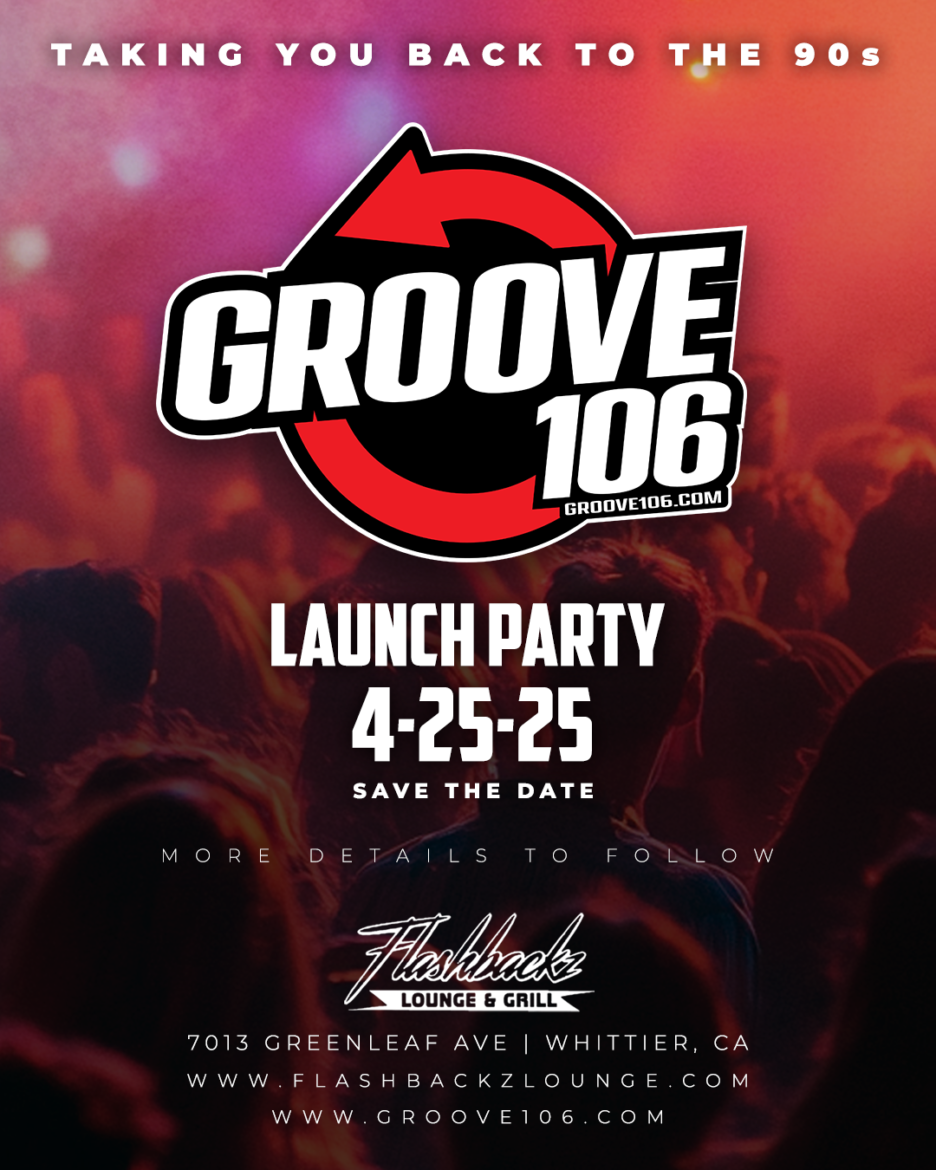
Join the Groove 106 community by registering for a free account. Members are the first to hear about new shows, special DJ mixes and events like our launch party in Whittier.
4. Follow @groove106radio
Catch DJ clips, behind-the-scenes moments and throwback content on social media. We’re @groove106radio everywhere:
What You’ll Hear on Groove 106
- 70s soul and funk: the grooves that started it all
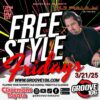
- 80s freestyle, R&B and dance: including Freestyle Fridays
- 90s R&B and hip-hop: the golden era
- Early 2000s hits: the throwbacks that still fill dance floors
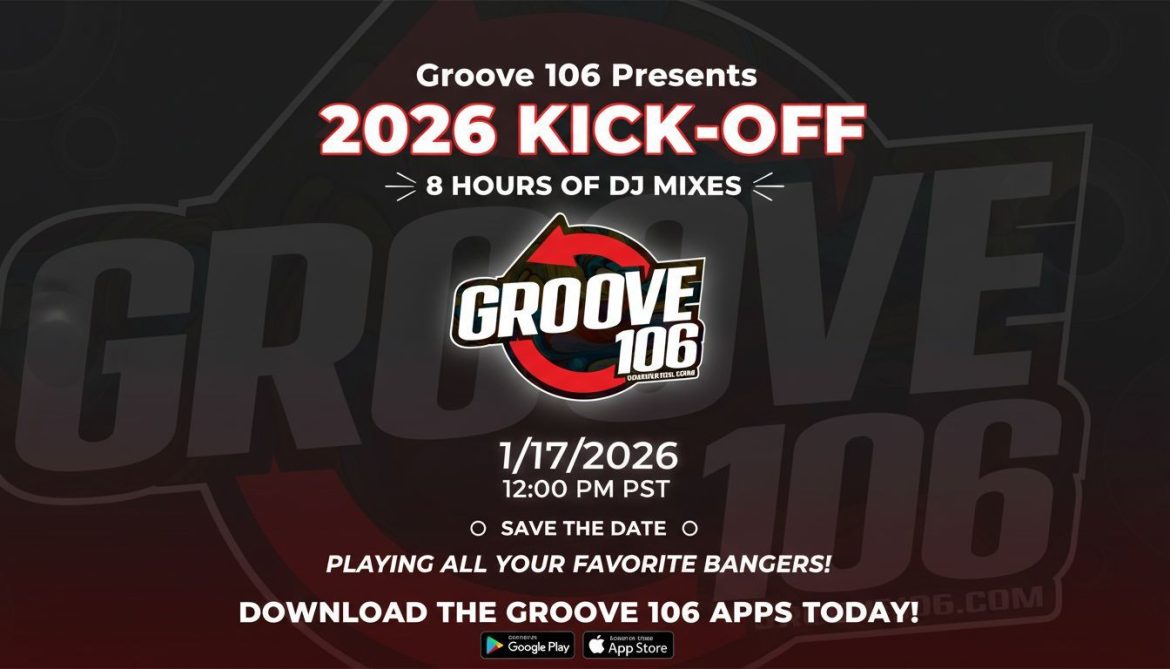
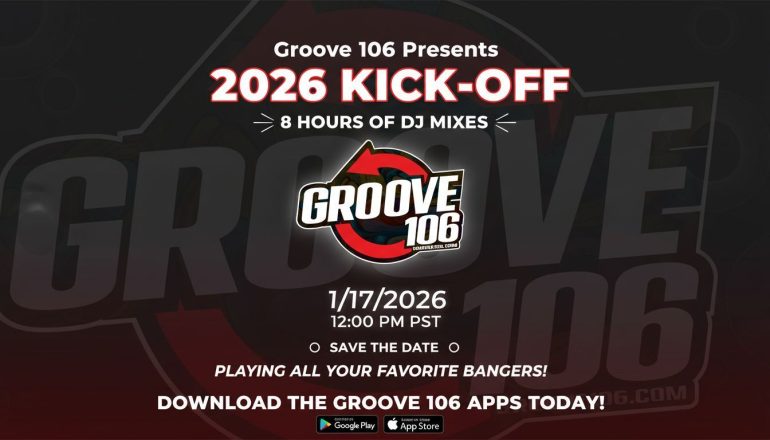
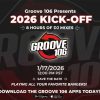
- Live DJ mixes: special events like our 8-hour 2026 Kick-Off
Advertise or Sponsor
Local businesses can reach a loyal Southern California audience by sponsoring Groove 106. Contact us to learn more.
Press play and let us take you back.

 Early 2000s Hits That Defined the Decade: 15 Hip-Hop & R&B Throwbacks
 How to Listen to Groove 106: Free 70s, 80s, 90s & 2000s Radio Online and on Your Phone
 15 Freestyle Music Classics Every Old School Fan Should Know
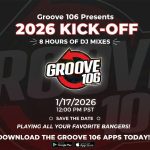 Groove 106 Presents: The 2026 Kick-Off – 8 Hours of Nonstop DJ Mixes!
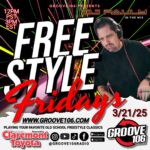 Freestyle Fridays on Groove 106 – Tune in for the Best Old School Freestyle Classics
Post comments (0)